Virtual
VyCall Virtual Call Button · QR Code
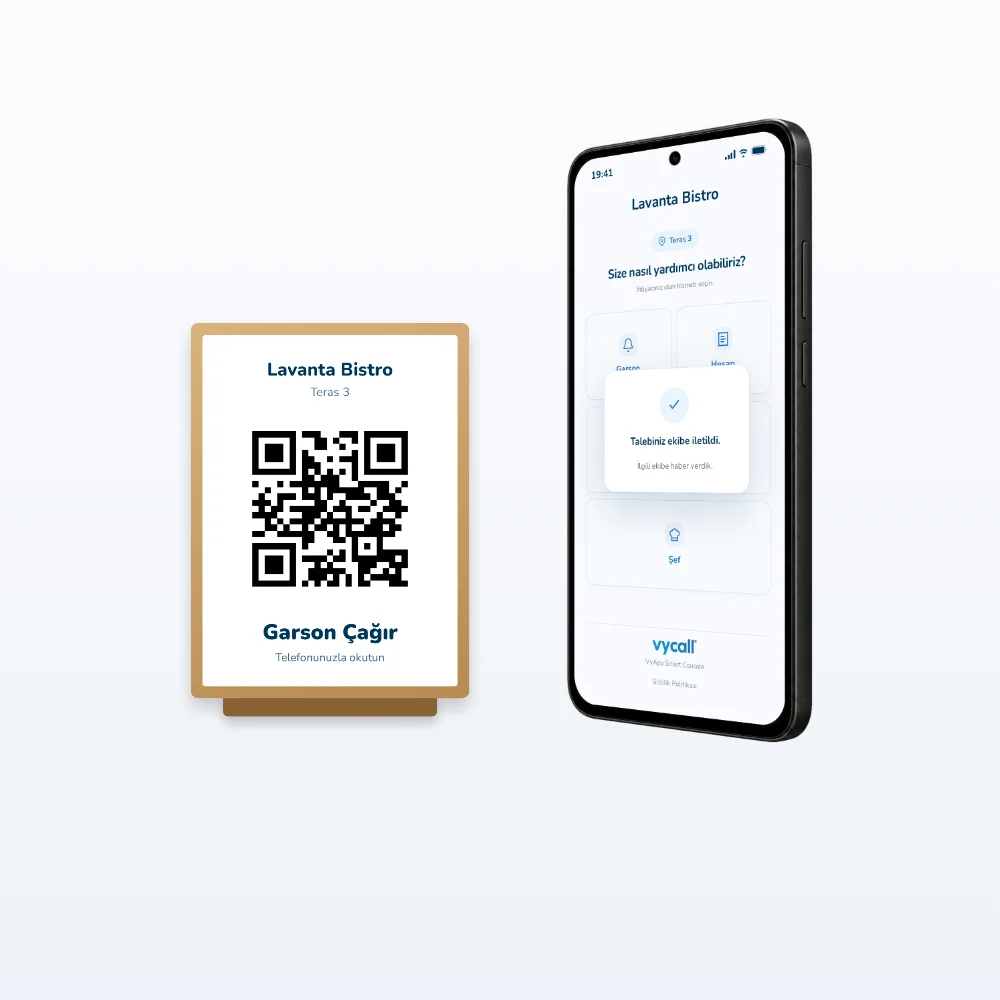
Guests scan the QR code on the table and ask for the waiter, the bill or water with one touch. No app download and no hardware needed; ready to use the same day.
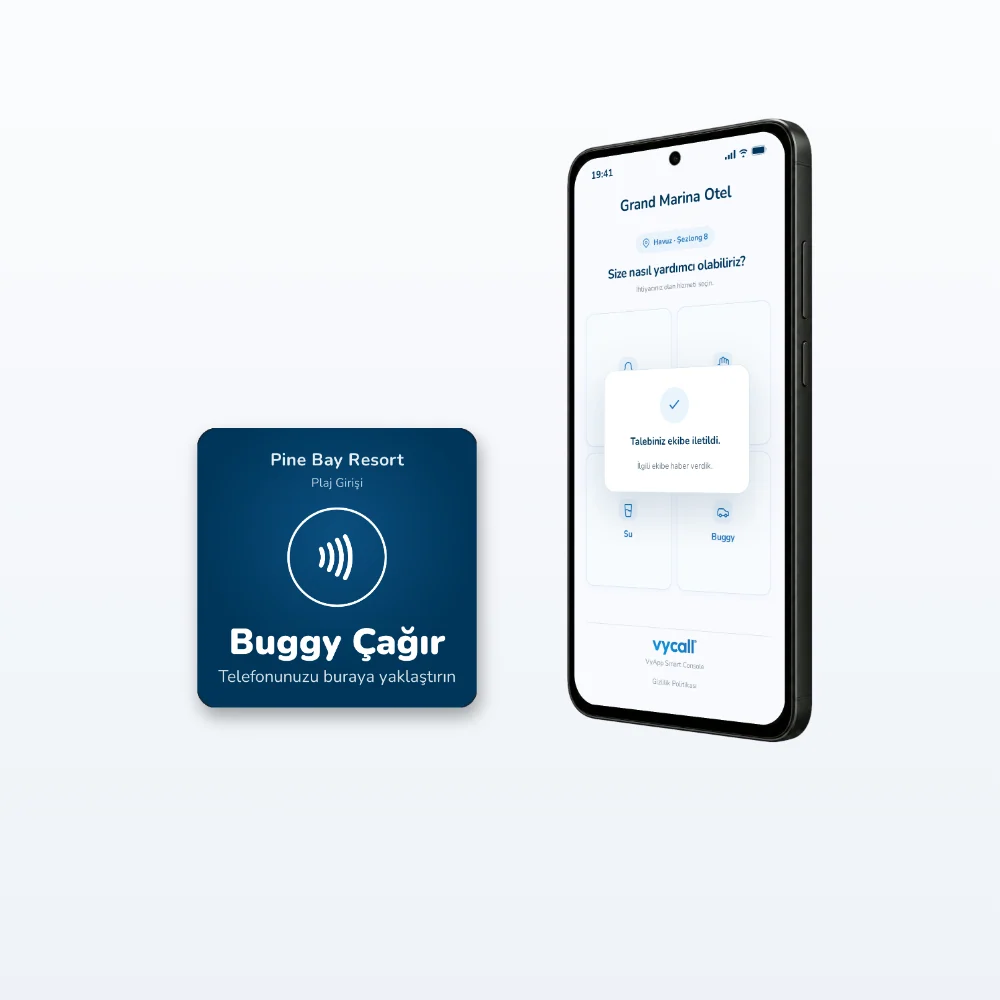
Turn every table into a call point, without buying hardware. With the QR code virtual call button, guests scan the code on the table with their phone camera and send a call with keys such as Waiter, Bill, Water on the screen that opens in the browser. Guests download no app; since each point has its own code, it is clear where the call comes from. A fast and cost-effective solution for restaurants, cafés, hotels, beaches and pool areas. Points are defined, QR files are delivered, and it is ready to use the same day.
Key features
- Call from the browser, no app download
- Choose your own keys: Waiter, Bill, Water…
- No gateway or button hardware needed
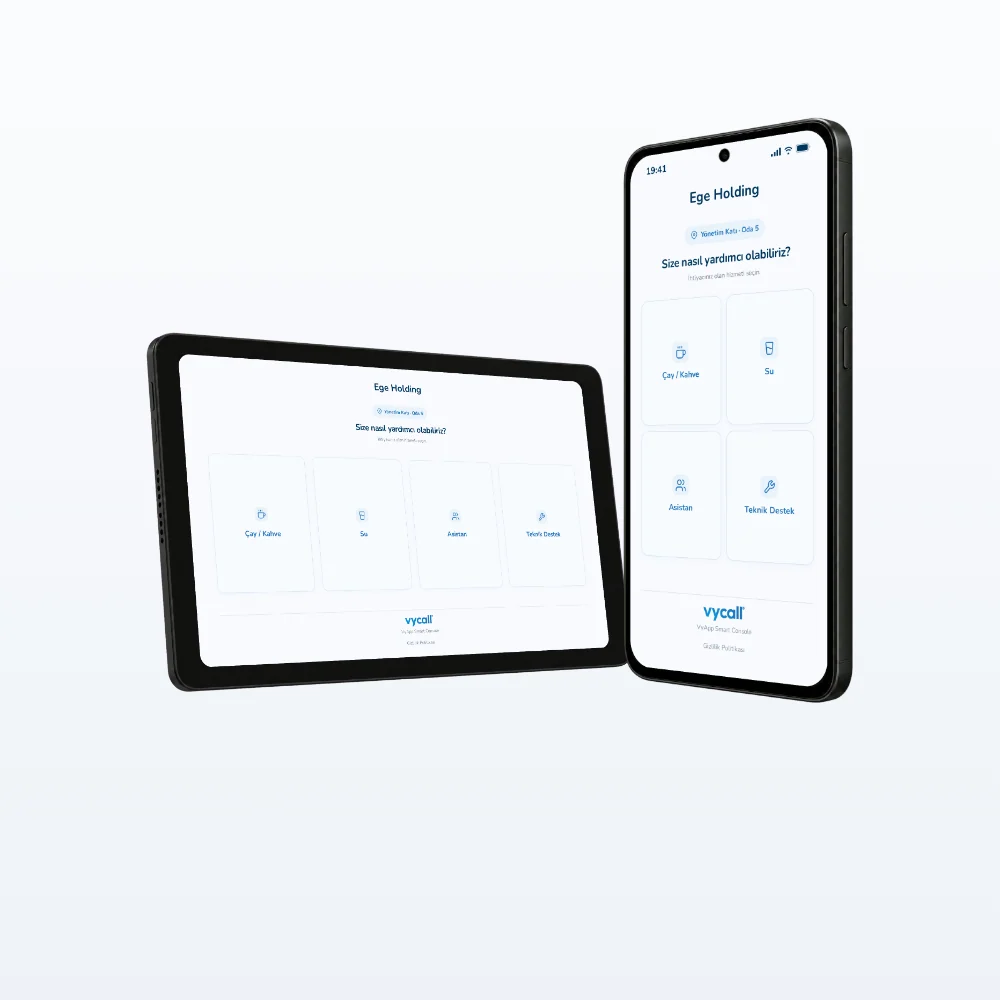
- Calls go to VyApp Smart Call: phone, tablet, smartwatch
- Works in the same call flow as physical buttons
Tell us about your use case and our experts will call you.
VyCall assurance
Ongoing support: Our expert support team is always by your side after the sale. With free remote installation support, your system is up and running quickly.
Fast shipping worldwide
VyCall software is developed in Türkiye by our own engineering team and used around the world. Since installation is done remotely, your system is ready to use quickly wherever you are.
Frequently asked questions
How does calling a waiter with a QR code work?
The guest scans the QR code on the table and taps the call key on the screen that opens; the call reaches the waiter's phone or smartwatch with the table name. No app download needed.
Free remote setup support.
| How It Works | Scanning the QR code with the phone camera |
|---|---|
| Phone | Smartphone with a camera, iOS · Android |
| App Download | Not needed (opens in the browser) |
| Licence | Per point, minimum 50 points |
| Pricing Model | One-off, no annual fee |
| Physical Part | QR printing by the customer; digital QR file delivered |
| Connection | Internet on the user's phone (mobile data / Wi-Fi), cloud |
| Gateway / Hardware | Not required |
| Interface Languages | Turkish · English |
| Prerequisite | VyApp Smart Call licence (annual) |
Support
A virtual call button is a software licence and is not covered by a hardware warranty. For technical support, write to support@vycall.com.
Installation and consultancy
Product consultancy and remote installation support are free.
In the Same Category